
TLDR
New market listings attract attention; the less visible dependency is whether an order reaches the intended market correctly. On September 30, 2026, Kraken reported FIX API order-placement problems for some recently listed spot and futures markets. It marked the incident resolved at 14:37 UTC. The useful lesson is operational: distinguish an explicit rejection from a request whose outcome is unknown before pressing retry. Kraken incident record
Key takeaways
- The notice concerned some FIX API clients and a limited set of markets, not a stated exchange-wide trading halt.
- A resolved platform incident does not reconcile your individual order history.
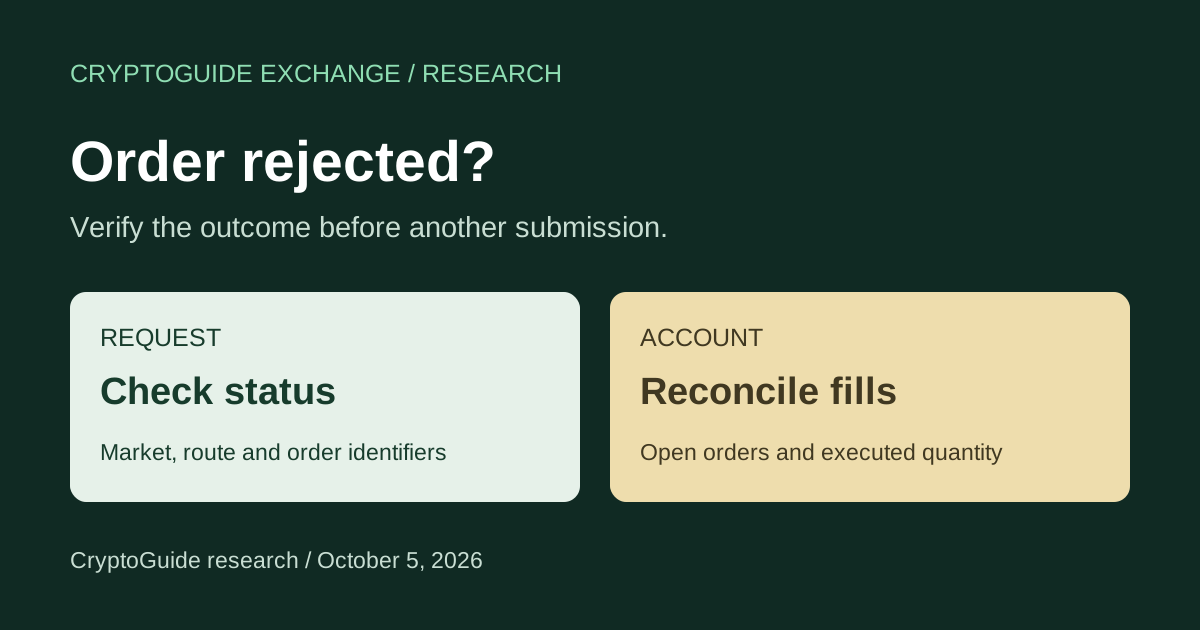
- Check the exact product, request identifier and filled quantity before submitting a replacement.
What Kraken reported
Kraken posted its investigation at 14:28 UTC, identified the issue at 14:29 and reported resolution at 14:37 on September 30. Its notice said affected requests could return “Unknown asset” or “Unknown asset pair”. It did not identify the individual markets, publish a root-cause explanation or quantify affected users. Those limits matter: the record does not support claims about lost funds, a security breach or the total duration of user impact. Dated incident updates
FIX is an order-communication interface used by trading systems. A problem on that route is relevant to an API operator even when another interface appears usable. It should not be assumed to affect every account or every way of accessing the exchange. This article is a response checklist for order uncertainty, not a report of an ongoing outage.
Before another submission: reconstruct the request
Start with the timestamp, market, side, quantity, order type and client or exchange order identifier. Keep the original response alongside the request. If software submitted multiple attempts, inspect each attempt separately. An error displayed for the last attempt says little about an earlier one.
For a clearly rejected new order, determine why that request was rejected before considering a replacement. For a timeout, broken connection or missing response, first establish whether the exchange accepted the request. These are different states. Our editorial recommendation is to pause automatic retries for unresolved requests until the account records can be reconciled.
Decision checklist: compare the evidence
| What you see | What to verify | Before continuing |
|---|---|---|
| Explicit new-order rejection | The response belongs to this request and market | Resolve the stated error; check any earlier attempts |
| No acknowledgement or timeout | Open orders, completed orders and fills | Establish the outcome before a replacement |
| Partly filled order | Executed quantity and remaining open quantity | Account for the fill and confirm any cancellation |
| Market visible but submission unavailable | Trading mode, product access and interface status | Confirm that the intended order type is permitted |
Check the market definition, not just the ticker
Kraken’s spot WebSocket v2 instrument documentation exposes a pair’s symbol, status, minimum quantity and price and quantity increments. These are useful reference fields for a spot integration. The documentation is not a FIX or futures specification: do not copy a WebSocket symbol format into another interface without checking that interface’s requirements. Kraken instrument reference
A listing announcement alone is not enough to configure an order. As a general integration check, verify the product type, quote currency and current market metadata. Refreshing metadata is a diagnostic step, not a proven fix for the September 30 incident; Kraken’s notice does not establish its root cause.
Risk notes: a second interface can create a second order
Switching from an API to the app does not resolve uncertainty about the first request. If the first order was accepted, a manual replacement can add exposure. Likewise, a request to cancel is not evidence that cancellation completed. Preserve the distinction between the action requested and the state confirmed.
Kraken Pro’s guide describes separate views for open orders, closed orders, positions and trades. It says the Closed orders widget shows spot orders, while the Trades widget includes executions for both spot and futures. Check that the view covers the product you used and that market filters are not hiding relevant records. Kraken Pro interface guide
Response steps for users and bot operators
- Identify the route. Record whether the request used FIX, another API or the app, and whether the product was spot or futures.
- Preserve evidence. Save timestamps, identifiers and responses. Remove API secrets and authentication material before sharing logs.
- Reconcile the account. Match attempts to open orders and fills; account for partial executions and outstanding quantities.
- Check current notices. Read the incident’s scope and updates through the official status page. A historical resolution is not a guarantee about today’s services.
- Escalate unexplained differences. Use authenticated support with the request details. Resume automated submissions only when your system can distinguish confirmed outcomes from pending ones.
CryptoGuide take
Exchange reliability is easier to judge when an incident notice identifies the affected route and timestamps its updates. But the final check belongs at account level. We would give more weight to clear order records and a controlled recovery process than to a bot that simply retries faster. The September 30 record supports a narrow operational lesson, not a broad verdict on Kraken’s custody or solvency.
FAQ
Is the September 30 Kraken FIX API incident still open?
Kraken marked this specific incident resolved at 14:37 UTC on September 30, 2026. Check the live status page for separate or later issues.
Does an unknown asset error prove that a token was delisted?
No. The September 30 notice reported this error during a FIX API issue affecting a limited set of recently listed markets. Verify the market and account status before drawing a conclusion.
Should I submit the same order again after a timeout?
First reconcile the request with order history and fills. A timeout alone does not establish whether an order was accepted; an unverified retry can create duplicate exposure.
Conclusion
Before retrying, establish what happened to the original request. Match the market, interface and order identifiers, then reconcile open quantities and fills. Clear evidence of order state is more useful than an assumption based on an error banner.
Related pages
- Kraken trust checks
- Kraken Maker Protection and cancellation checks
- What makes an exchange trustworthy?
- Kraken versus Coinbase
Sources
Primary sources reviewed October 4, 2026. The incident record supplies the dated facts; documentation supplies interface background. The response checklist and editorial judgment are CryptoGuide analysis.
- Kraken: September 30 FIX API incident
- Kraken: spot WebSocket v2 instrument reference
- Kraken: Pro trading interface guide
CryptoGuide Exchange is an independent research and comparison platform, not an exchange, broker, custodian, investment adviser or legal adviser. This is educational research, not investment or legal advice.