
TLDR summary
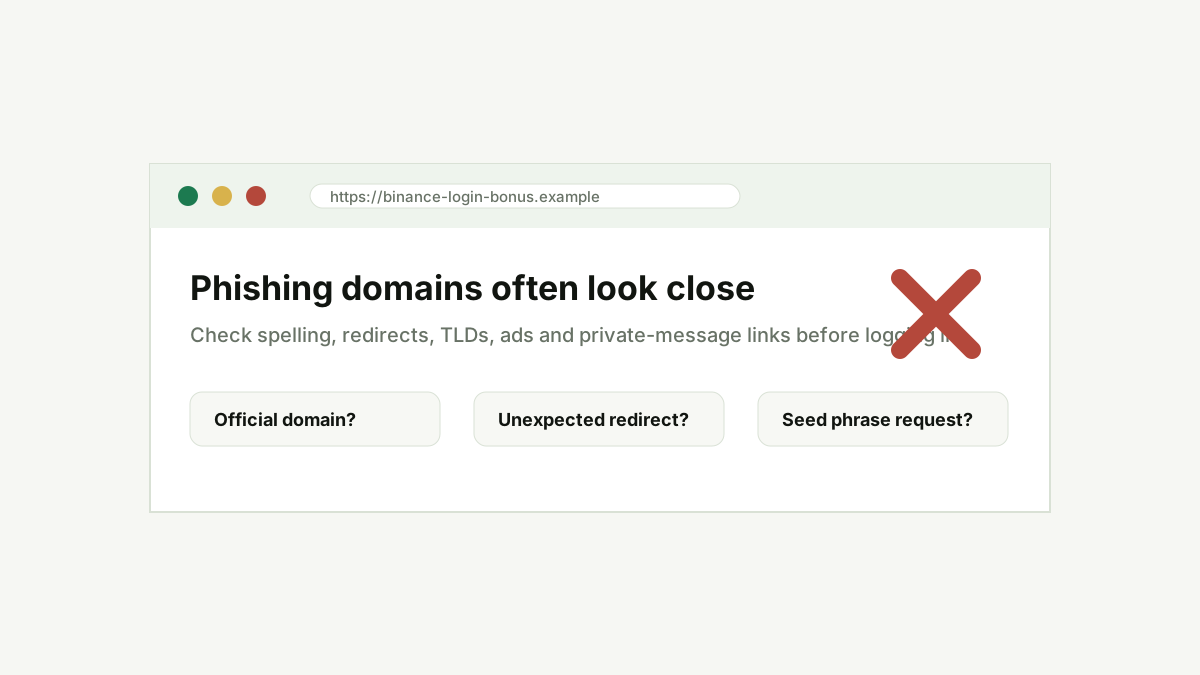
Crypto phishing domains imitate exchanges, wallets, airdrops, support pages and token claim sites. The safest habit is to verify the exact domain, avoid login links from ads or private messages, inspect redirects and never enter seed phrases or private keys into a website.
Key takeaways
- The domain is the first security checkpoint, before design or logo quality.
- Phishing pages often use extra words, swapped letters, hyphens or unfamiliar TLDs.
- Ads and private messages can lead to fake login pages even when the brand looks familiar.
- No legitimate exchange or wallet support flow needs your seed phrase.
What is a crypto phishing domain?
A crypto phishing domain is a website address created to imitate a legitimate crypto brand or workflow. It may copy an exchange login page, wallet connection screen, token claim page, support portal or verification form. The goal is usually credential theft, wallet approval abuse or direct payment redirection.
Common lookalike patterns
Attackers often add words around a known brand, swap similar letters, use hyphens, register unfamiliar extensions or create subdomains that look official at a glance. A URL can look credible in a message preview but still resolve to an unrelated domain.
Redirects and ads deserve extra caution
A user may click an ad, search result or social link that redirects through several domains before landing on a copied login page. For exchange logins, the safer habit is to use bookmarks, type the domain directly or open the app from a trusted device.
Wallet connection pages are higher risk
A phishing domain does not need your password if it can get a wallet signature or token approval. Fake mint pages, airdrop claim pages and support tools can request permissions that expose assets.
How to verify a suspicious domain
Check whether the domain matches official documentation, whether HTTPS is valid, whether the page asks for unusual secrets, whether legal pages exist and whether public reports mention impersonation. If anything feels rushed, stop before signing or logging in.
Comparison table
| Pattern | Example risk | Safer habit |
|---|---|---|
| Brand plus extra word | Looks official but belongs to another operator. | Use official bookmarks for logins. |
| Unusual redirect | User lands somewhere different from the clicked URL. | Close the page and type the domain manually. |
| Seed phrase form | Direct wallet takeover risk. | Never enter recovery phrases online. |
| Token claim urgency | May push unsafe wallet approvals. | Verify contract and domain before connecting. |
Practical verification flow
- Start with the exact domain or wallet request.
- Check whether the action matches what the page promised.
- Look for transparent documentation, fees, support and risk disclosures.
- Search for independent reports before sending funds or signing approvals.
- If risk signals remain, stop and use a safer route.
FAQ
Are search ads safe for crypto logins?
Not automatically. Ads can be abused. For exchange or wallet logins, use a saved bookmark or type the official domain manually.
Can HTTPS make a phishing domain safe?
No. HTTPS only means the connection is encrypted. A phishing site can still have a valid TLS certificate.
What should I do if I entered credentials on a phishing page?
Change the password from the official domain, revoke sessions where possible, reset 2FA if needed and contact official support. If a wallet was connected, review approvals immediately.
Conclusion
Security checks are most useful when they become a habit. Slow down before signing, logging in or depositing, and use trust signals as a research workflow rather than a single yes-or-no answer.