
TLDR
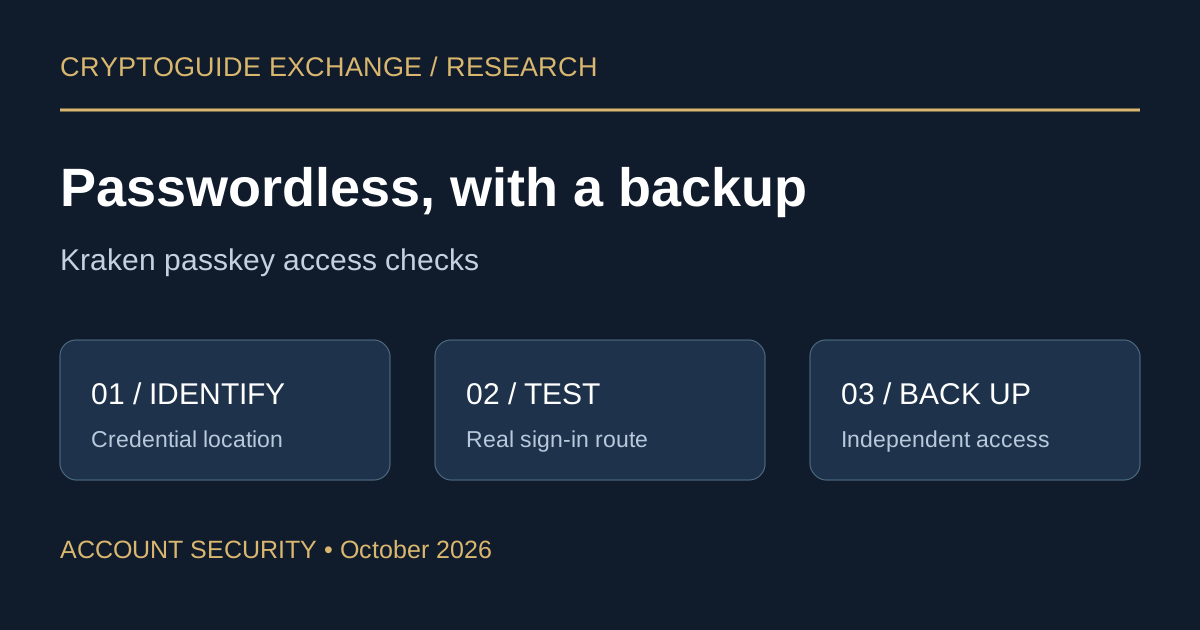
A passkey that works after entering a password may not work with Kraken's passwordless button. Kraken's September 15, 2026 guidance distinguishes those two modes; its troubleshooting page was updated October 6. This is a review of current account guidance, not a report of a new launch or security incident. Check your credential's capability and test a backup before changing devices. Passwordless guidance · Troubleshooting guide
Key takeaways
- Check the actual sign-in mode attached to your credential.
- Choose a backup that remains accessible if your everyday device fails.
- Treat login security and exchange custody as separate research questions.
What passwordless access changes
Kraken says passwordless access is optional and disabled by default. New passkeys created while the setting is enabled can start sign-in on their own; enabling it does not convert earlier credentials. Security settings identify eligible credentials with a Passwordless tag. Existing password-based access remains available where the account has a password. Kraken's setup rules
For someone replacing a phone, this distinction matters more than the speed of the login screen. A successful sign-in yesterday does not establish which credential will be available tomorrow. Write down the name and storage location of each method, without copying secret material into your notes.
Decision checklist before changing your setup
These are CryptoGuide's suggested verification steps, not additional Kraken requirements.
- Inventory the devices you actually use. Include your travel laptop or replacement phone if either forms part of your access plan.
- Identify the credential. Match the entry in account security settings with the device, password manager or physical key you control. Avoid names such as “new key” that will be ambiguous next year.
- Test the intended route. Keep a trusted session available while testing another sign-in. Record whether you used password plus 2FA or the passwordless option.
- Test the backup separately. Ask whether you could still use it with your primary phone unavailable. Two entries relying on one inaccessible device do not provide the resilience you intended.
- Retire old access deliberately. Only after verifying the replacement, review which obsolete credentials should be removed. Do not reset hardware or erase a device merely to see whether recovery works.
Compare where the passkey lives
Kraken describes hardware keys, mobile or password-manager credentials, and browser-specific device-bound credentials. Passkeys are tied to the site's or app's identity, which provides resistance to credential phishing. That benefit does not make every storage choice interchangeable. Kraken's passkey overview
| Method | Dependency to inspect | Suggested acceptance check |
|---|---|---|
| Password-manager or synced credential | Access to the manager and its recovery process | Can you reach it without the phone you are replacing? |
| Hardware security key | Physical possession and device compatibility | Test it on the computer and phone you plan to use. |
| Browser-specific credential | The original browser environment | Document that dependency and arrange another route. |
The table compares operational dependencies, not security rankings. Choose a setup you can explain and maintain; adding unfamiliar credentials without testing them can make the inventory harder to manage.
When the prompt offers the wrong method
Kraken's troubleshooting guide describes password managers intercepting passkey requests and prompts that initially offer an unsuitable method. It suggests using the alternative-method controls or passing the request through to the appropriate credential provider. For phone-to-computer authentication, it also discusses Bluetooth and device proximity. If access cannot be restored, use the recovery flow reached from Kraken's own sign-in page. Official troubleshooting and recovery steps
Our response sequence: note the exact prompt, identify the credential you intended to use, then consult the relevant official instructions. Avoid changing several security settings at once; otherwise it becomes difficult to tell which change solved the problem. Never use a stranger's remote-access session as a shortcut through account recovery.
Risks beyond the login screen
Phishing-resistant authentication addresses one part of account security. It does not establish that a withdrawal destination is correct, that an authorized transaction is sensible, or that an exchange will process a withdrawal immediately. A request to move funds to “complete a passkey upgrade” should be treated as a separate, unverified instruction.
Also distinguish an access failure from evidence of compromise. A confusing prompt alone does not prove someone entered the account. Conversely, an unfamiliar security change deserves investigation through official support even if your usual sign-in still works. Preserve relevant timestamps and messages without sharing passwords, recovery secrets or approval codes.
CryptoGuide take
The useful test of a passkey setup is whether you can explain both everyday access and device-loss access. Passwordless convenience earns trust when the backup is tested, the credentials are recognizable and retiring a phone does not become an improvised recovery exercise.
FAQ
Does turning on passwordless sign-in upgrade an existing passkey?
No. Kraken says existing passkeys keep their original capability. Check for the Passwordless tag in security settings.
Should I remove the old credential before testing a replacement?
Our recommendation is to establish and test another working sign-in method first, while you still control the old device.
Does a passkey protect the value of funds held on an exchange?
No. Authentication protects access. It does not remove custody, market or withdrawal risks.
Conclusion
Before your next device change, inspect the credential inventory and verify one independent backup route. Keep that access review separate from your assessment of the exchange's custody and withdrawal terms.
Related pages
- Exchange security checks
- Independent exchange research
- CryptoGuide Trust Checker
- AI security testing and user-verifiable account controls
Sources
Primary documentation reviewed October 9, 2026. Update dates describe the documents, not a verified product launch. The decision checklist, comparison questions and editorial conclusions are CryptoGuide analysis.
- Kraken: Passwordless sign-in, updated September 15, 2026
- Kraken: Passkey Troubleshooting Guide, updated October 6, 2026
- Kraken: What is a Passkey?, updated February 24, 2026
CryptoGuide Exchange is an independent research and comparison platform, not an exchange, broker, custodian, investment adviser or legal adviser. This is educational research, not investment or legal advice.